
 Events
 Corporate
 Portrait
 Automotive
 Product
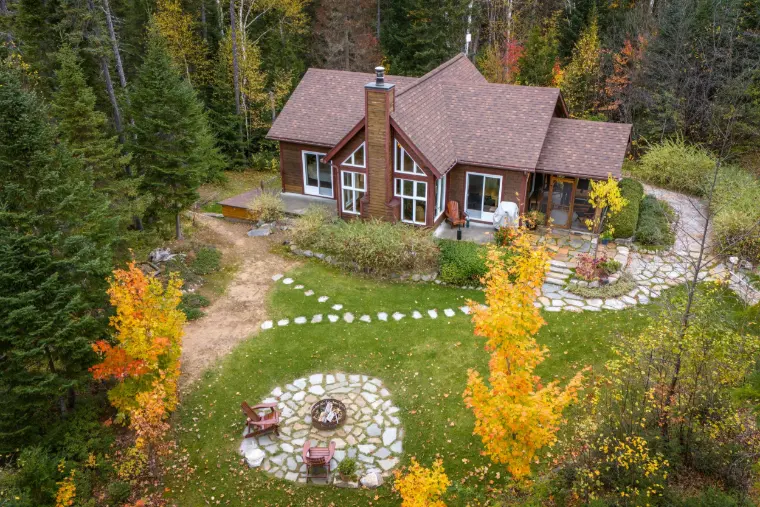 Real estate
 Concert

Start with how the photos will be used
Decide where the headshots will appear: the team page of your website, LinkedIn profiles, email signatures, annual reports, press releases. The use determines the framing (head and shoulders, half body), the orientation and the background.
If the new photos need to match an existing team page, send the photographer a screenshot of it. The same framing can be reproduced, so older headshots do not need to be redone.
Pick the room and the background
The photographer sets up a mobile studio at your office. A room at least 4 metres deep works best, ideally a meeting room where the table can be moved. An electrical outlet nearby helps.
Two background options: a solid backdrop (grey, white or a brand colour) for a classic look that is easy to match later, or a blurred office background for a more modern, natural look. A solid backdrop is easier to keep consistent as new people join.
Build a schedule in time slots
Plan about 5 minutes per person for an individual headshot, a little more for executives who want several looks. Share a schedule in 10 or 15 minute slots and leave a free slot at the end for latecomers.
If you also want a group photo, do it at the start while everyone is there and fresh.
- Send the schedule a week ahead
- Send a reminder with wardrobe tips the day before
- Put a mirror and a brush in the room
- Name one person to manage who goes in next
Share simple wardrobe guidelines
Solid colours work better than fine patterns, thin stripes and large logos. Ask everyone to stay at the same level of formality so the team page looks consistent.
Plan for new hires
The main challenge of a team page is staying consistent over time. Keep a note of the setup: background, framing, camera height. The same photographer can come back a few times a year to photograph new employees with exactly the same look.
Need a photographer? Describe your project once and receive quotes from photographers in the network. See also our corporate photographer page.